Disputes
Track every customer claim in one list and close it with the recorded evidence.
The Disputes page collects every claim opened from a recording, across the whole active organization. Open it from the sidebar, under Disputes.
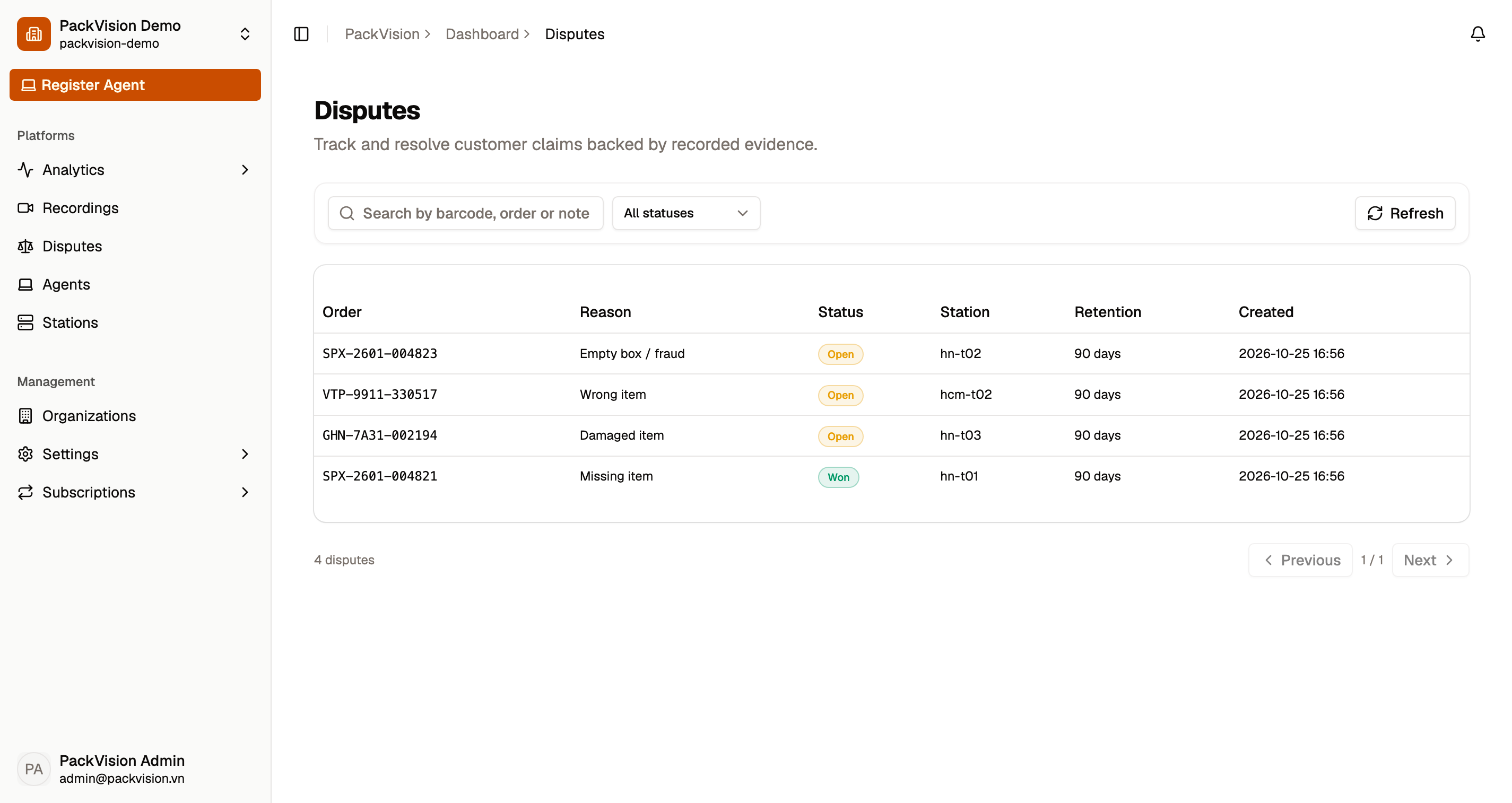
What you see
The toolbar works like the other lists:
- Search — find a claim by barcode, order, or note.
- Status — filter by All statuses, Open, Won, or Lost.
- Clear — reset the search and the status filter.
- Refresh — reload the list.
The table shows the Order, the claim Reason, its Status, the Station that recorded it, the evidence Retention, and when it was Created. Select a row to open the case.
Review and resolve a case
The case window shows the order, when the claim was opened and when its evidence expires, the station, and whether the evidence is Available or Uploading / unavailable.
- Edit — adjust the claim reason or note and save.
- Mark won — the claim was settled in your favour.
- Mark lost — the claim was settled against you.
- Reopen — put a closed claim back to Open.
Evidence is kept while a claim is open
A recording under an open dispute cannot be deleted, and its cloud copy cannot be removed from cloud storage, until the case is resolved.
Where claims come from
Open a claim from the recording itself: Recordings → open a recording → Dispute. See Recordings for the reason list, notes, and retention choices.
The top of this page summarizes open claims, evidence coverage, and win rate for the last 30 days.
Next steps
- Recordings — open a new claim from a recording.
- Playback & download — watch or save the evidence.
- Analytics & statistics — live floor, trends, and station cycle times.