Invoices & billing details
Manage billing information and understand orders and invoices.
Billing is organization-scoped. Only the Owner can manage Settings → Billing and view Subscriptions → Subscription Orders.
Subscription orders
The Subscription Orders page lists every payment: date, amount, status, and the plan it was for. Open it from Subscriptions → Subscription Orders. Order statuses are:
| Status | Meaning |
|---|---|
| Pending | Created, waiting for payment. |
| Paid | Payment confirmed. |
| Failed | Payment did not complete. |
| Refunded | Money returned. |
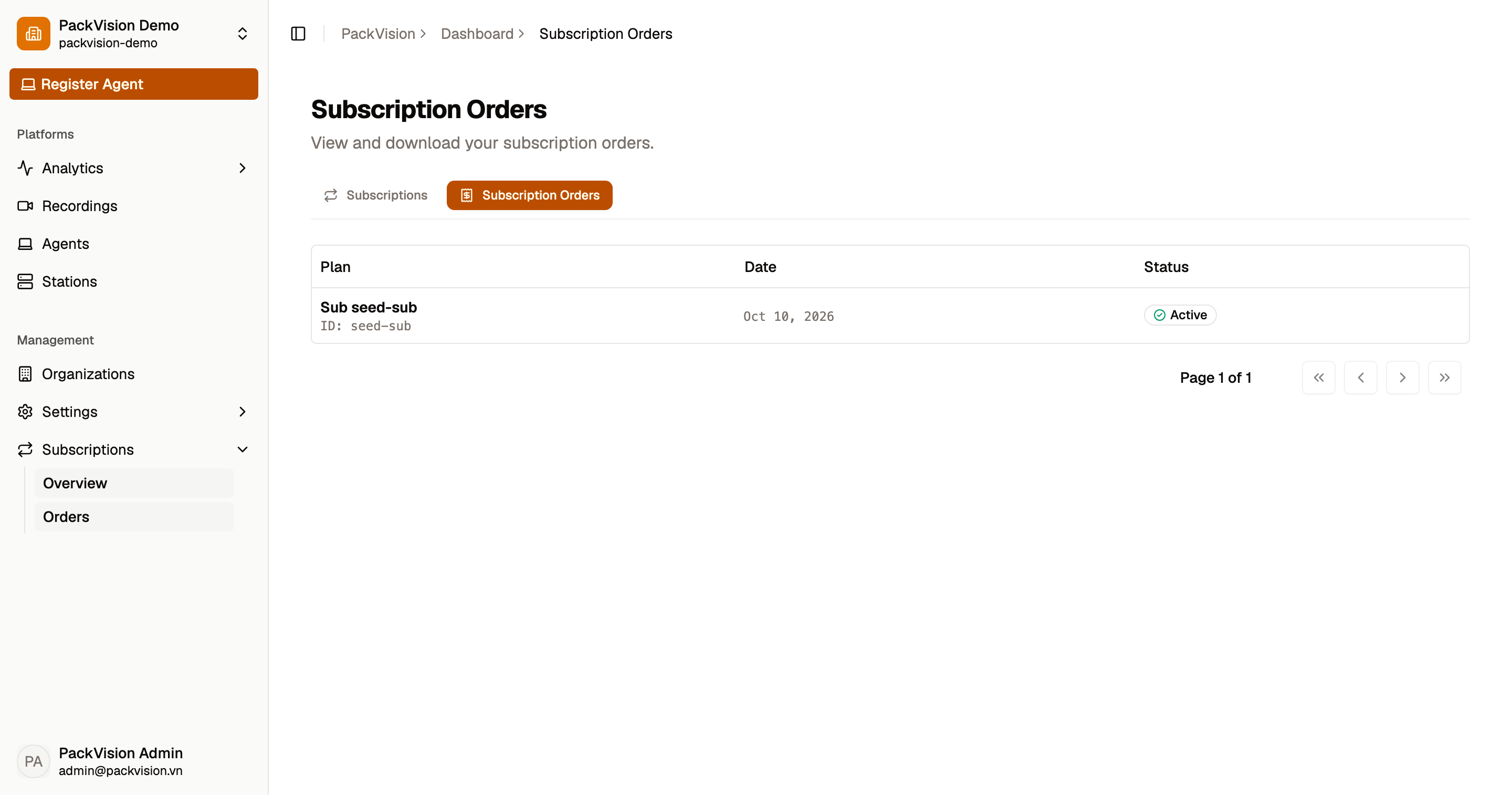
Pending orders are automatically canceled after about 30 minutes if they are not paid.
Billing details
Open Settings → Billing to configure invoice details.
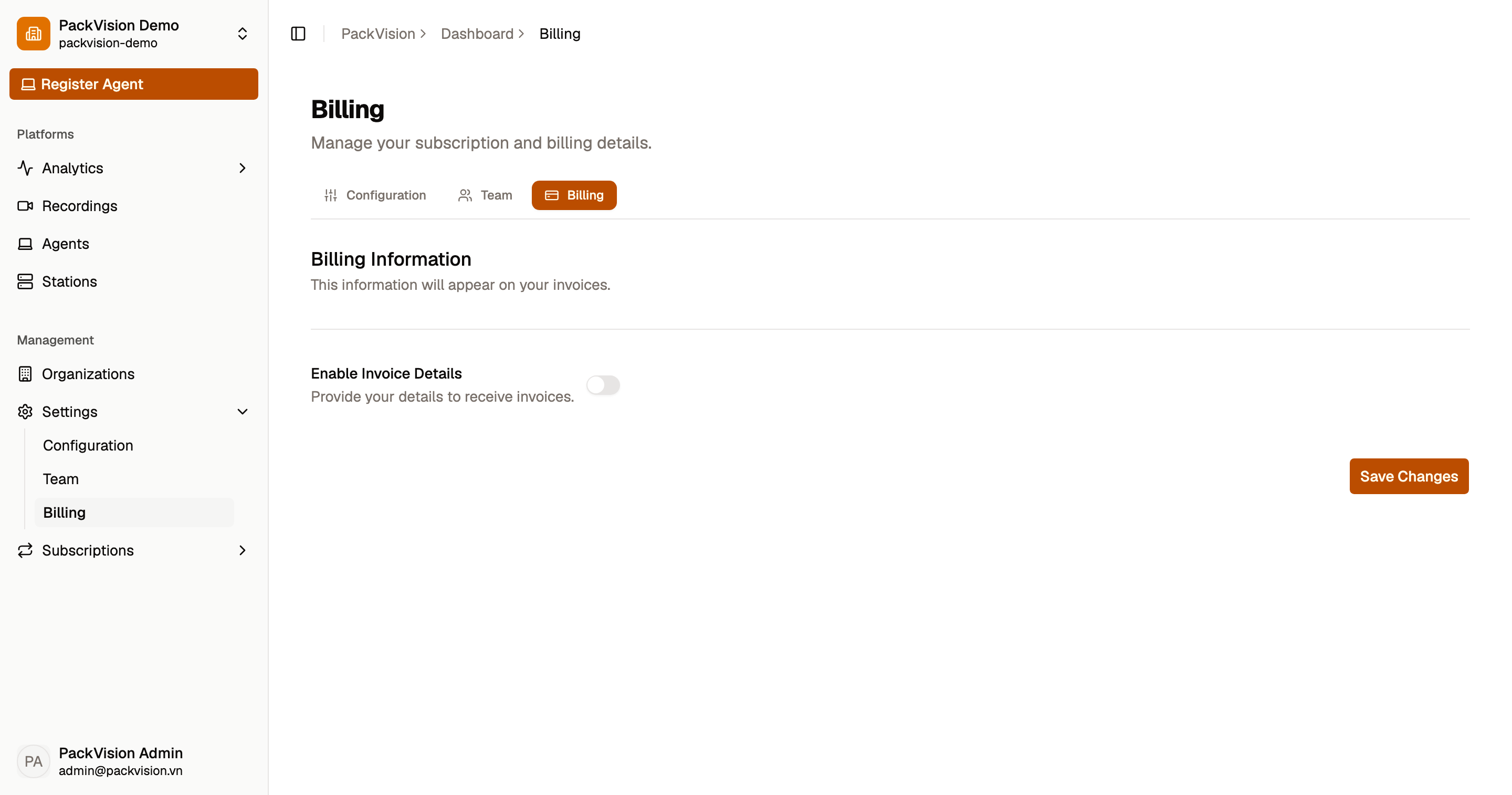
- Enable Invoice details to have invoices issued to your organization.
- Register as a company if applicable.
- Fill in:
- Company name
- Contact name
- Phone
- Address
- Tax ID / VAT ID
The contact name, email, and tax ID are required (plus the company name for company accounts).
Tax
Unit prices are tax-inclusive. The invoice shows the tax breakdown.
Invoices
Invoices are issued by the platform after payment. Depending on the configured provider, an invoice may be:
- Issued immediately.
- Issued as a draft and finalized later.
- Reissued with a corrected provider or details.
Invoice status and actions are handled by platform administrators. If an invoice needs a correction, contact support with the order ID.
Next steps
- Subscriptions — plans and limits.
- Errors & troubleshooting — payment and quota issues.