Downloads
Install or update the desktop app for Windows, macOS, and Linux.
Desktop
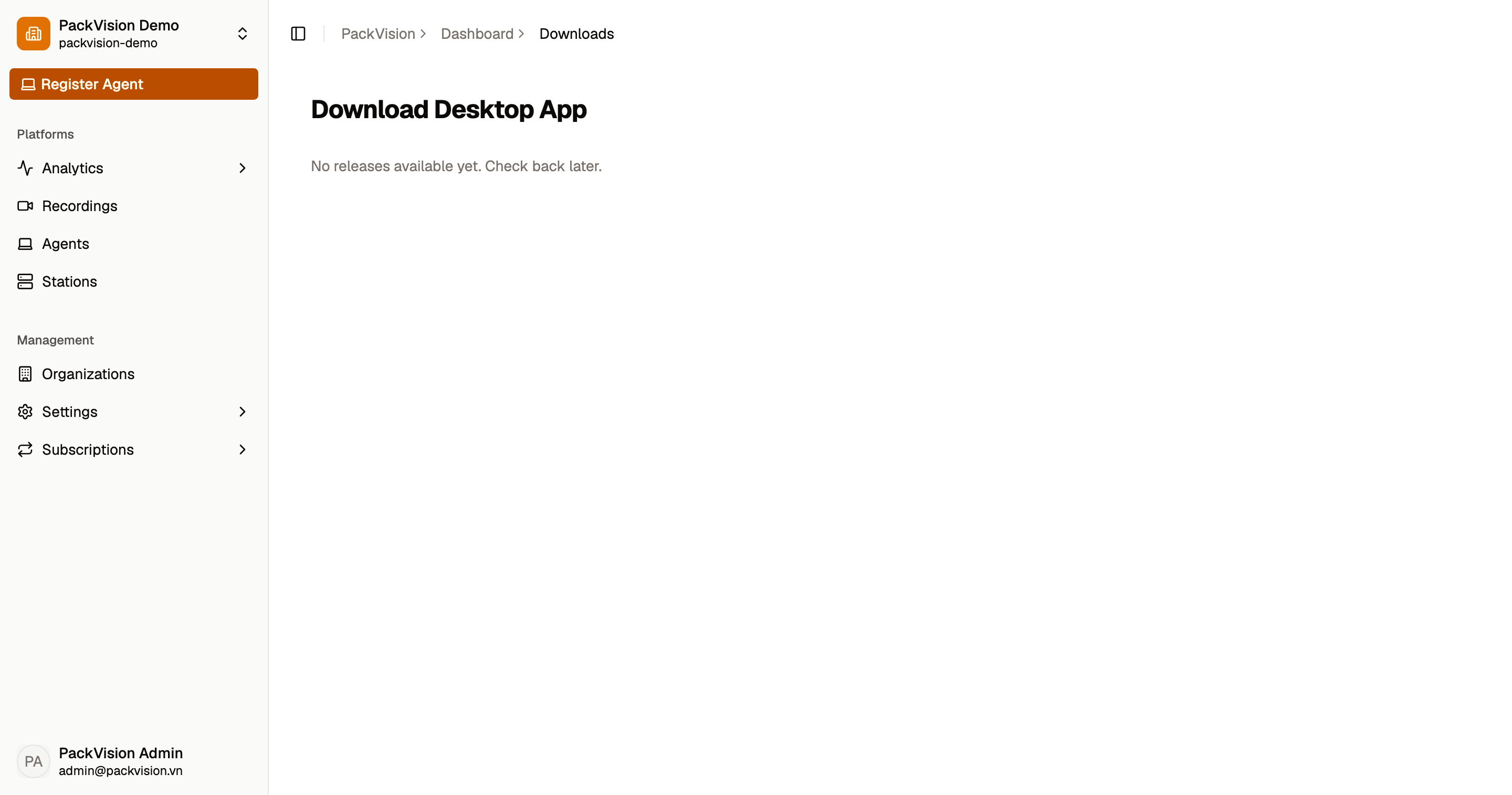
Download the desktop app from Download Desktop App in the dashboard. The page shows the latest version and the formats available for your operating system:
| Platform | Formats |
|---|---|
| Windows | Installer (.exe) and Enterprise package (.msi) |
| macOS | Disk image (.dmg) |
| Linux | Debian package (.deb) and Portable (.AppImage) |
If a version is not yet published for your platform, the button shows Not available for this version. If a download cannot start, you will see Failed to start download. Please try again.
No releases yet
A brand-new deployment may show No releases available yet until the first desktop build is published.
Mobile app
The phone companion is not available yet. There is no iOS or Android build to install in this release; see Mobile companion for what is planned and which desktop features to use instead.
After installing
- Launch the app and go to Connect.
- Approve the device in the dashboard.
- Bind a camera and start recording.
Updates
The desktop app checks for updates automatically and shows an Update Now button in the sidebar status panel when a new version is available. See Desktop app.